|
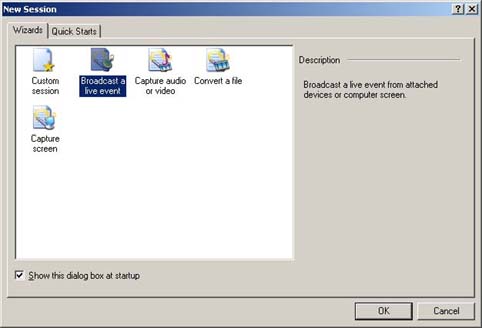
STEP 1 - After starting up the Windows Media Encoder and starting a new session, choose "Broadcast a live event".
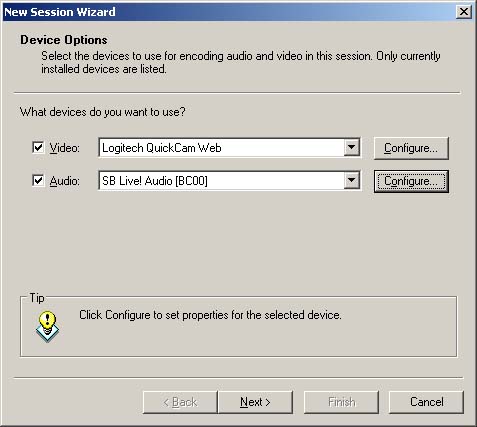
STEP 2 - Next, select, the devices you wish to use to broadcast with.
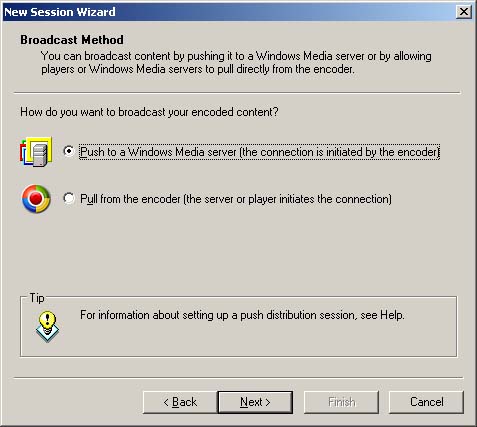
STEP 3 - Select your broadcast method. (Push method).
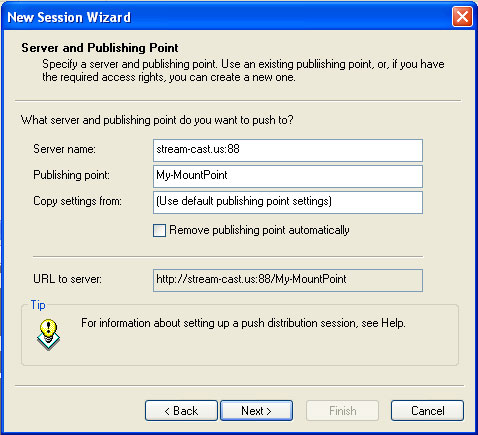
STEP 4 - Enter your server address and publishing point. (Provided by SleepyEngineers). You will also be prompted for a user name and password.
STEP 5 - Select your desired encoding rates. (Use the rates you signed up for).
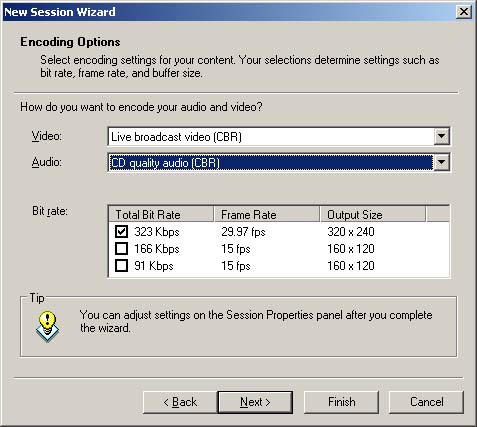
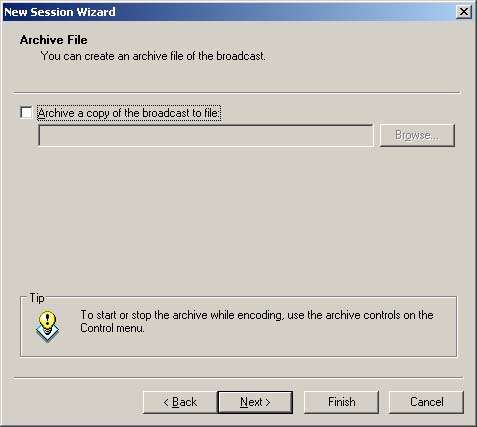
STEP 6 - Select whether or not you would like to record your broadcast to a file on your local machine. (Optional.)
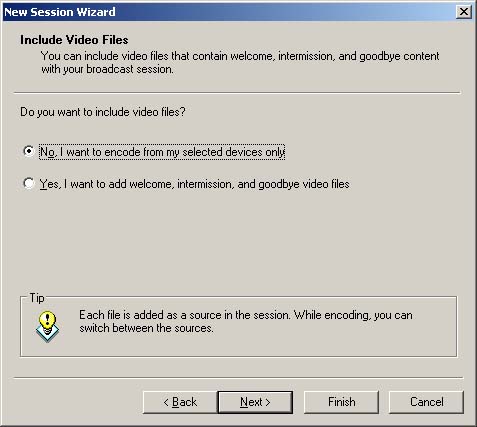
STEP 7 - Choose if you would like to use additional files along with your broadcast devices.
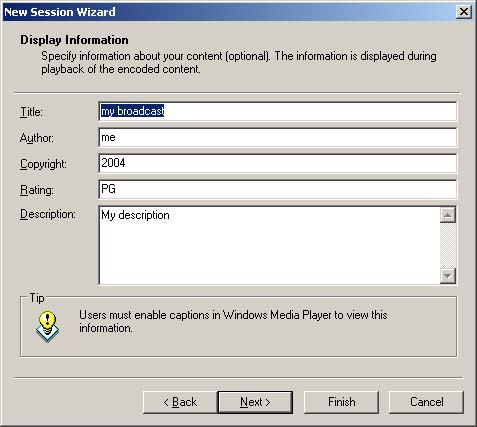
STEP 8 - Enter your broadcast information. (Title, author, etc.).
STEP 9 - Click "Start Encoder" button.
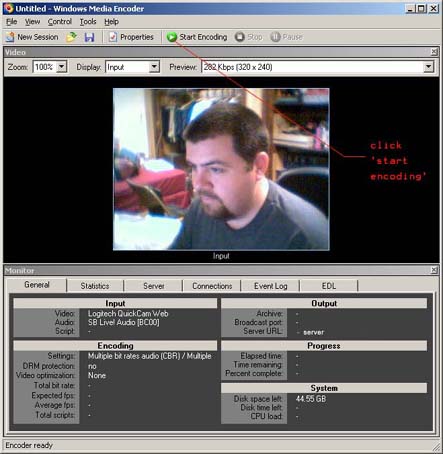
CONGRATULATIONS! You are now broadcasting with Windows Media 9 Encoder!
|

