How Do I: Windows Media Encoder (PUSH Method)

Solution

Streaming with the Windows Media Encoder 9 series:

To start off, lets make sure you have the essentials. In order to broadcast you should have the following components and/or software:
Operating System   Windows 95, 98, ME, NT, 2000, or XP
Windows Media 9 Series Encoder   Download
Access to a SleepyEngineers
streaming server
  Check your Welcome email from Sleepyengineers for details or Click here to order a plan.
Internet Access   Although you can broadcast with a 56k internet connection, a DSL or Cable connection to the internet is recommended for optimal performance.

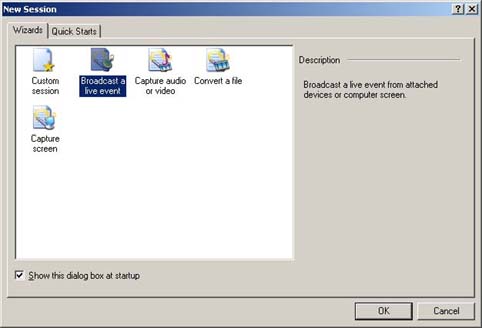
STEP 1 - After starting up the Windows Media Encoder and starting a new session, choose "Broadcast a live event".


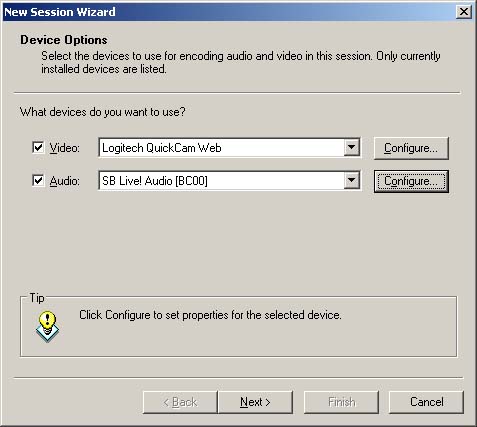
STEP 2 - Next, select, the devices you wish to use to broadcast with.
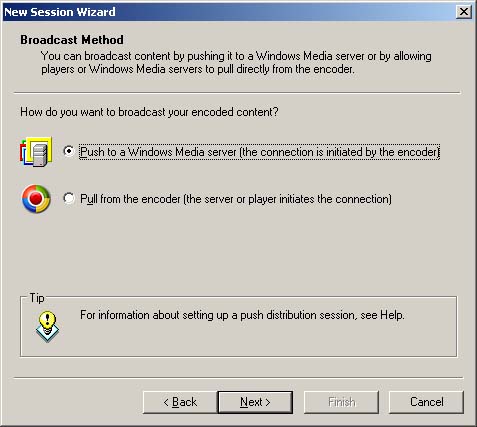
STEP 3 - Select your broadcast method. (Push method).
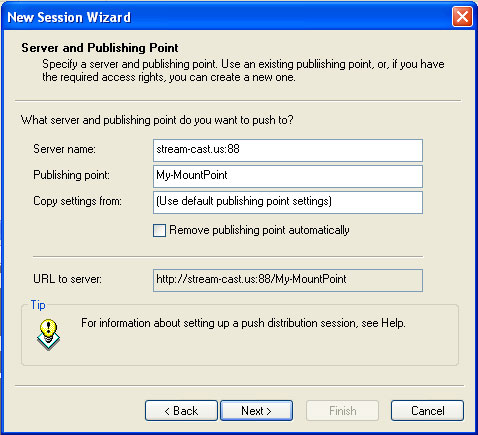
STEP 4 - Enter your server address and publishing point. (Provided by SleepyEngineers). You will also be prompted for a user name and password.
STEP 5 - Select your desired encoding rates. (Use the rates you signed up for).
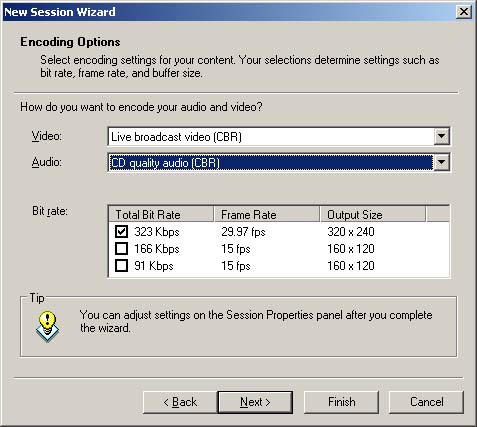
STEP 6 - Select whether or not you would like to record your broadcast to a file on your local machine. (Optional.)
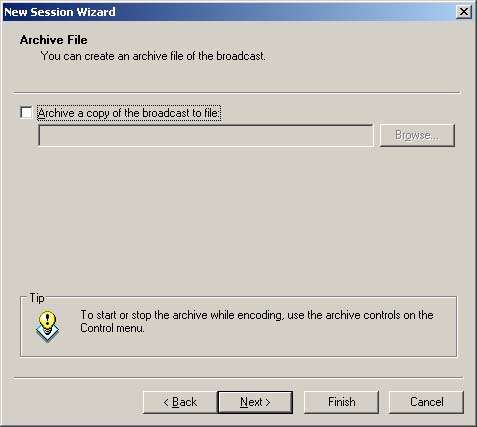
STEP 7 - Choose if you would like to use additional files along with your broadcast devices.
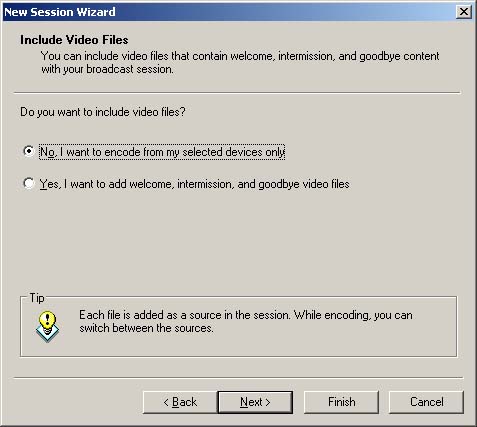
STEP 8 - Enter your broadcast information. (Title, author, etc.).
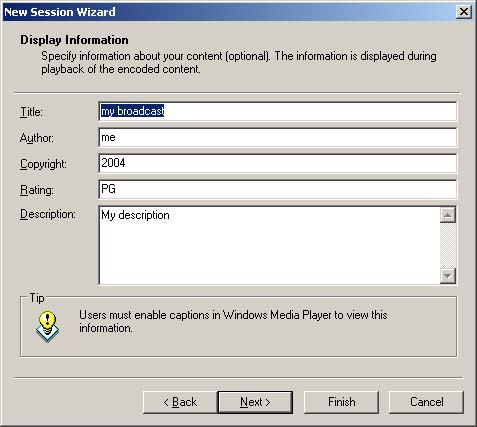
STEP 9 - Click "Start Encoder" button.
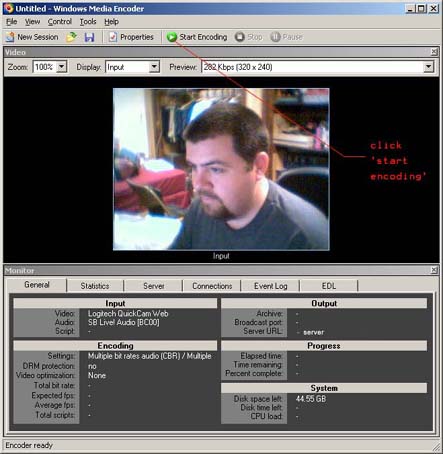
CONGRATULATIONS! You are now broadcasting with Windows Media 9 Encoder!

  • 2 Korisnici koji smatraju članak korisnim
Je li Vam ovaj odgovor pomogao?

Vezani članci

My broadcast is skipping, or buffering a lot. Why?

Internet broadcasting is a resource intensive process.  Make sure that the machine you are...

How do i get an embedded player on my site?

To embed a Player in your web site you have two options; 1. You can use JW Player see this URL;...

When you click listen on the streaming page, its says " sever is busy"

This means that you are streaming over the bitrate assigned.

How do I: Setup Sam Broadcaster Encoders for Windows Media

Setup Encoder You have set up a streaming server the next step is to create an encoder that can...

How Do I: Stream audio and video content to mobile phones and PDAs.

This document explains some of the strategies for best delivering your audio and video content to...

